
Pokémon TCG Pocket Now Available on TCG Stacked
Pokémon TCG Pocket is now fully supported on TCG Stacked. Search and browse the entire Pocket card pool, track your collection, build decks, and—best of all—turn those digital-only cards into printable proxies you can actually play with at the table.
🎉 Pokémon TCG Pocket Joins TCG Stacked
We're excited to announce that Pokémon TCG Pocket is now available on TCG Stacked! Pocket has taken the mobile world by storm with its gorgeous, collectible-first take on the Pokémon TCG—but until now, those cards lived only inside the app. Starting today, you can search the full Pocket card pool, browse by type and rarity, track what you've pulled, build decks, and create print-ready proxies of any Pocket card.
Why Proxy Pokémon TCG Pocket Cards?
Pokémon TCG Pocket is a digital-only game—your cards live on your phone. Proxies bridge that gap to the tabletop. A proxy is simply a printed stand-in for a card, and they're perfect for a few things:
- Play Pocket at the table: Print your favorite Pocket cards and play the game face-to-face with friends, no screens required.
- Test decks before you commit: Try out a build with proxies before spending pack points or hunting for specific pulls.
- Enjoy the art: Pocket's full-art and immersive cards look incredible on paper. Proxies are a low-cost way to appreciate them outside the app.
- Learn the game: Proxies make a great, budget-friendly teaching set for new players.
A quick note: proxies are meant for casual, personal play among friends who know they're proxies. They aren't official cards and shouldn't be sold or used at sanctioned events.
How to Print Pokémon TCG Pocket Proxies
Creating proxies on TCG Stacked takes just a few minutes. Here's the full workflow.
Step 1: Find the Cards You Want
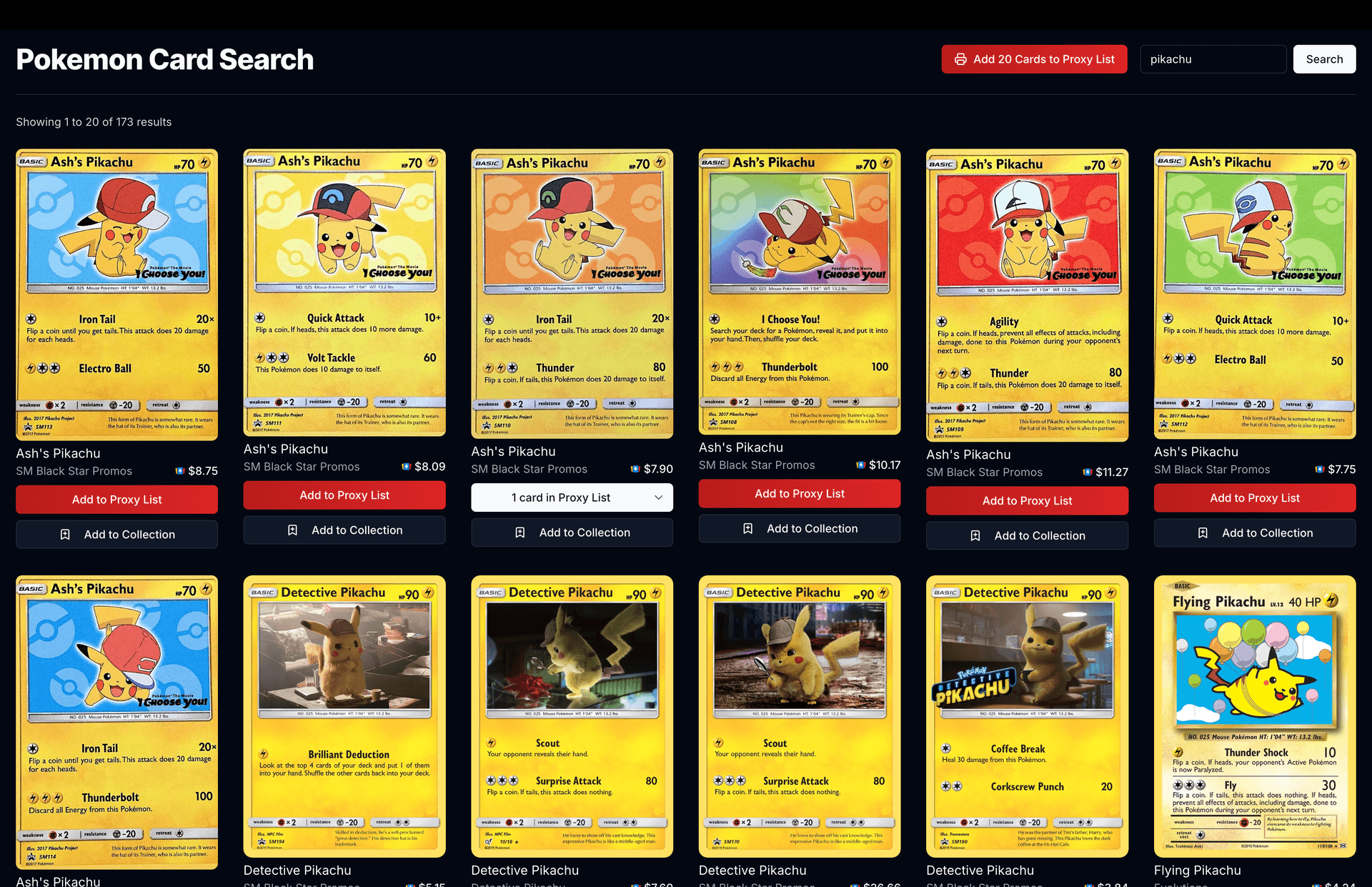
- Head to the Pokémon TCG Pocket search page.
- Search by card name, or browse by set, type, and rarity to find exactly what you're after.
- When you find a card you want, click Add to Print List.
Step 2: Manage Your Print List
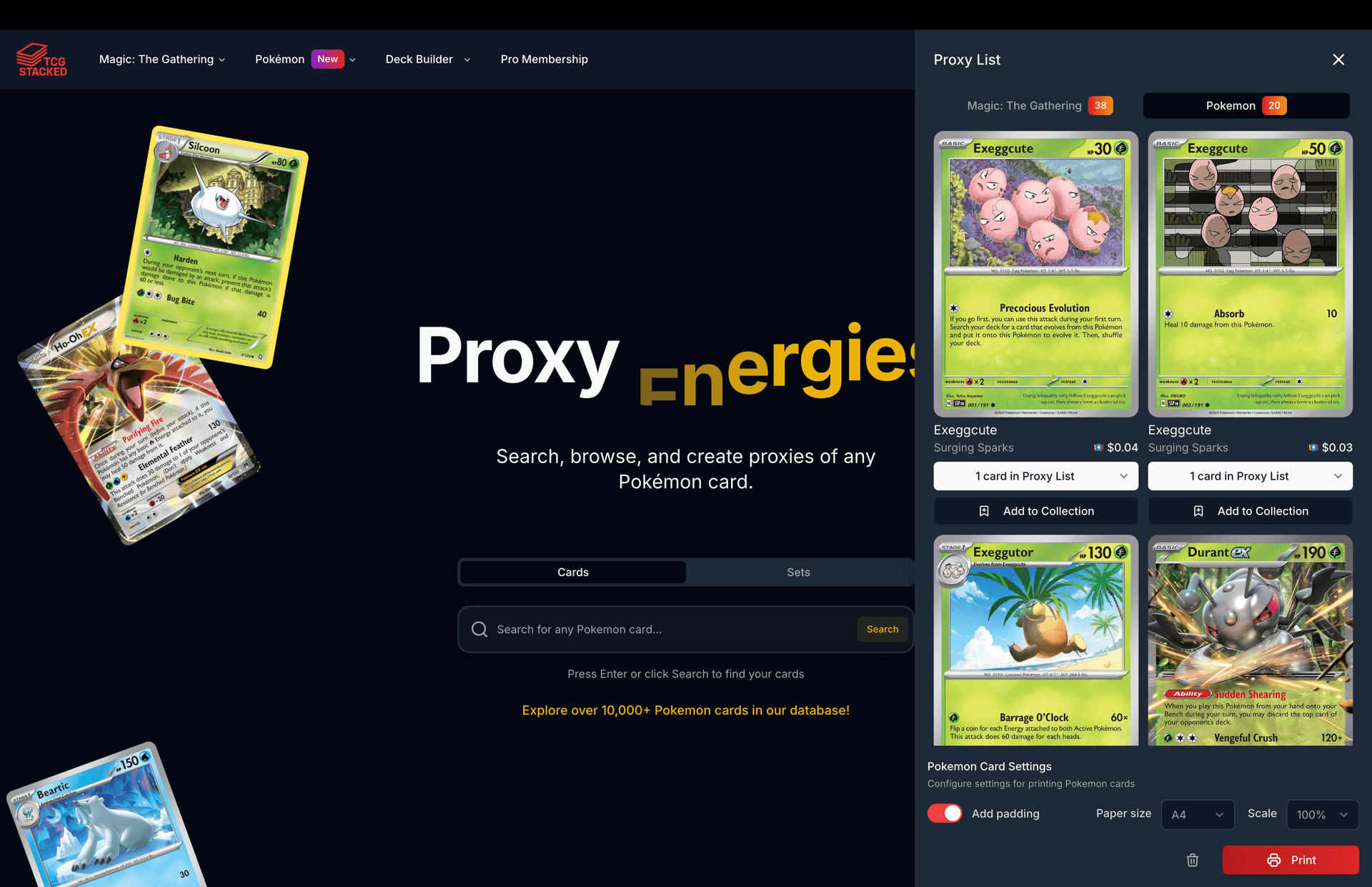
- Open your Print List using the button in the top-right corner of the page.
- Adjust the quantity of each card with the + and - buttons.
- Switch to the Pokémon TCG Pocket tab to focus on just your Pocket cards.
- Configure your print settings—paper size, scale, and padding—to match your printer and cardstock.
Step 3: Print
- Click Print at the bottom of the Print List.
- TCG Stacked generates a PDF with your cards laid out at true-to-life size, ready for printing.
- Save the PDF, then print it at your printer's highest-quality setting.
- Cut, sleeve, and play!
Tips for High-Quality Proxies
- Use cardstock: 65–110 lb cardstock gives proxies real weight. Standard printer paper is too thin.
- Max out print quality: Set your printer to its highest-quality / photo setting for crisp art.
- Cut clean: A paper cutter beats scissors for straight, consistent edges.
- Sleeve everything: Sleeving protects your proxies and makes them shuffle and feel like real cards. Double-sleeving (a perfect-fit inner plus a standard outer) feels even better.
- Go holo: For Pocket's shiny and full-art cards, try printing on holographic sticker paper and applying it to a bulk common for a foil-like shimmer.
Browse the Whole Pocket Card Pool
Beyond proxies, everything else on TCG Stacked now works for Pocket too:
- Browse by set: Explore every Pokémon TCG Pocket set in one place.
- Filter by type: Jump straight to Grass, Fire, Water, Lightning, Psychic, Fighting, and the rest.
- Chase specific rarities: Pocket's diamond, star, shiny, and Crown rarities are all searchable on the rarities page.
- Track your collection: Mark which cards you own and keep tabs on your set completion.
- Build decks: Put together Pocket decks with our deck builder, then proxy the cards you need for playtesting.
Get Started Today
Ready to bring Pokémon TCG Pocket to your tabletop? Head over to the Pocket search page to start adding cards to your print list, or explore the full Pokémon TCG Pocket hub to browse sets, types, and rarities. Print a deck, sleeve it up, and enjoy Pocket in a whole new way.